ForgePOS — Restaurant Point of Sale (Demo)
A point-of-sale web app for restaurants and cafés, with a public demo: dining-room and terrace table plan, counter sales, tickets, cash drawer and end-of-day close.
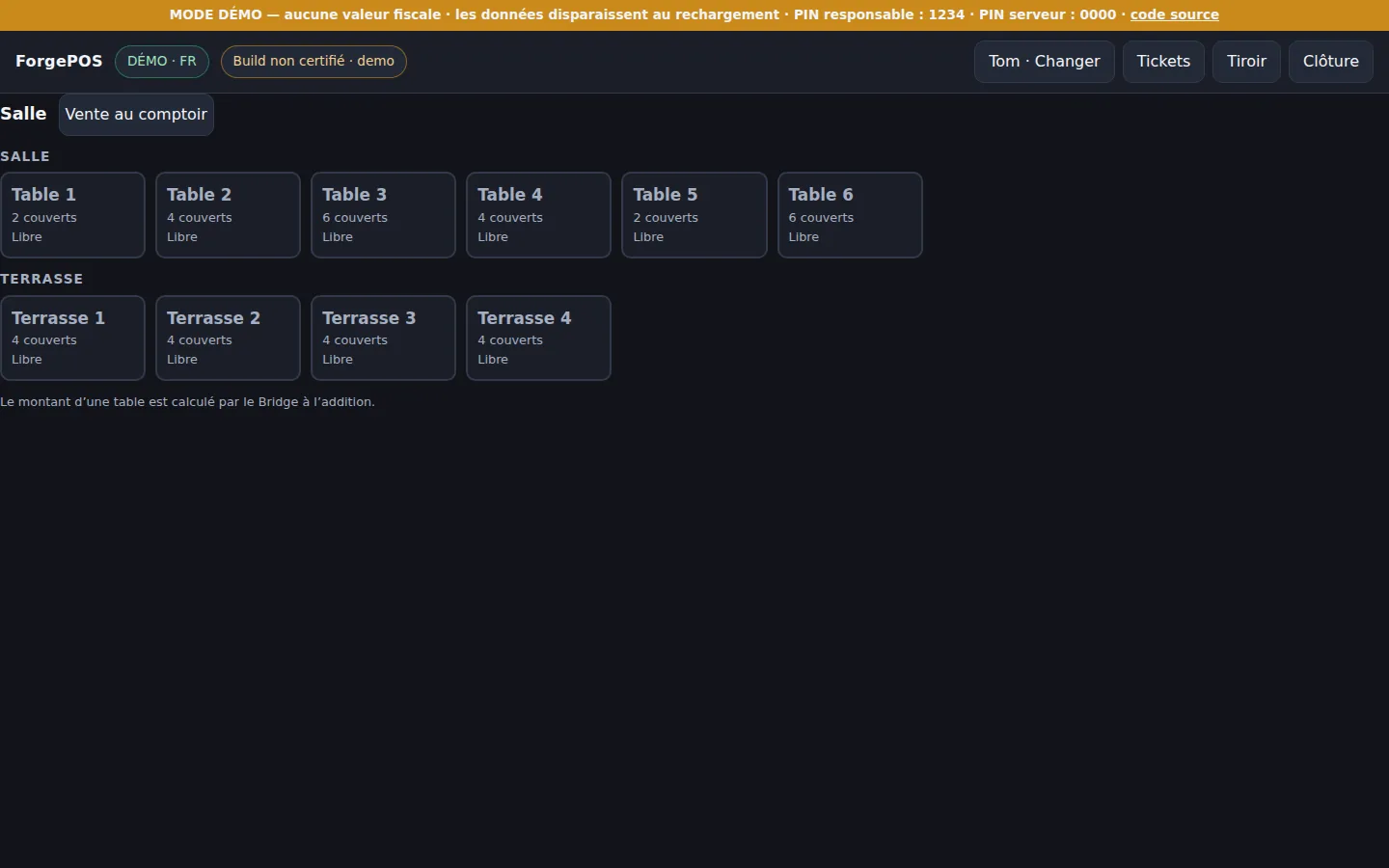
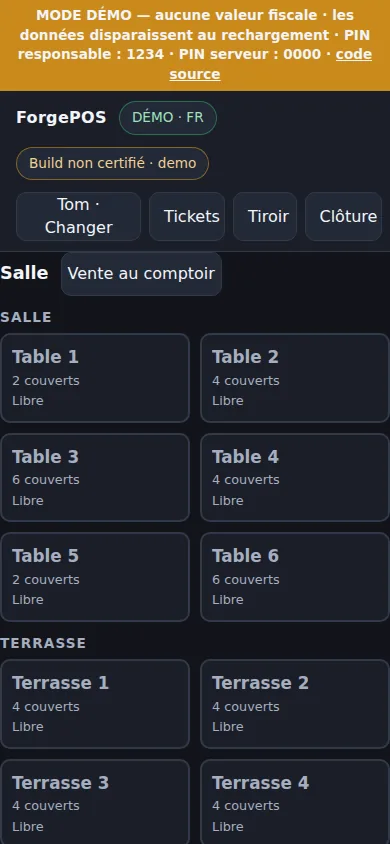
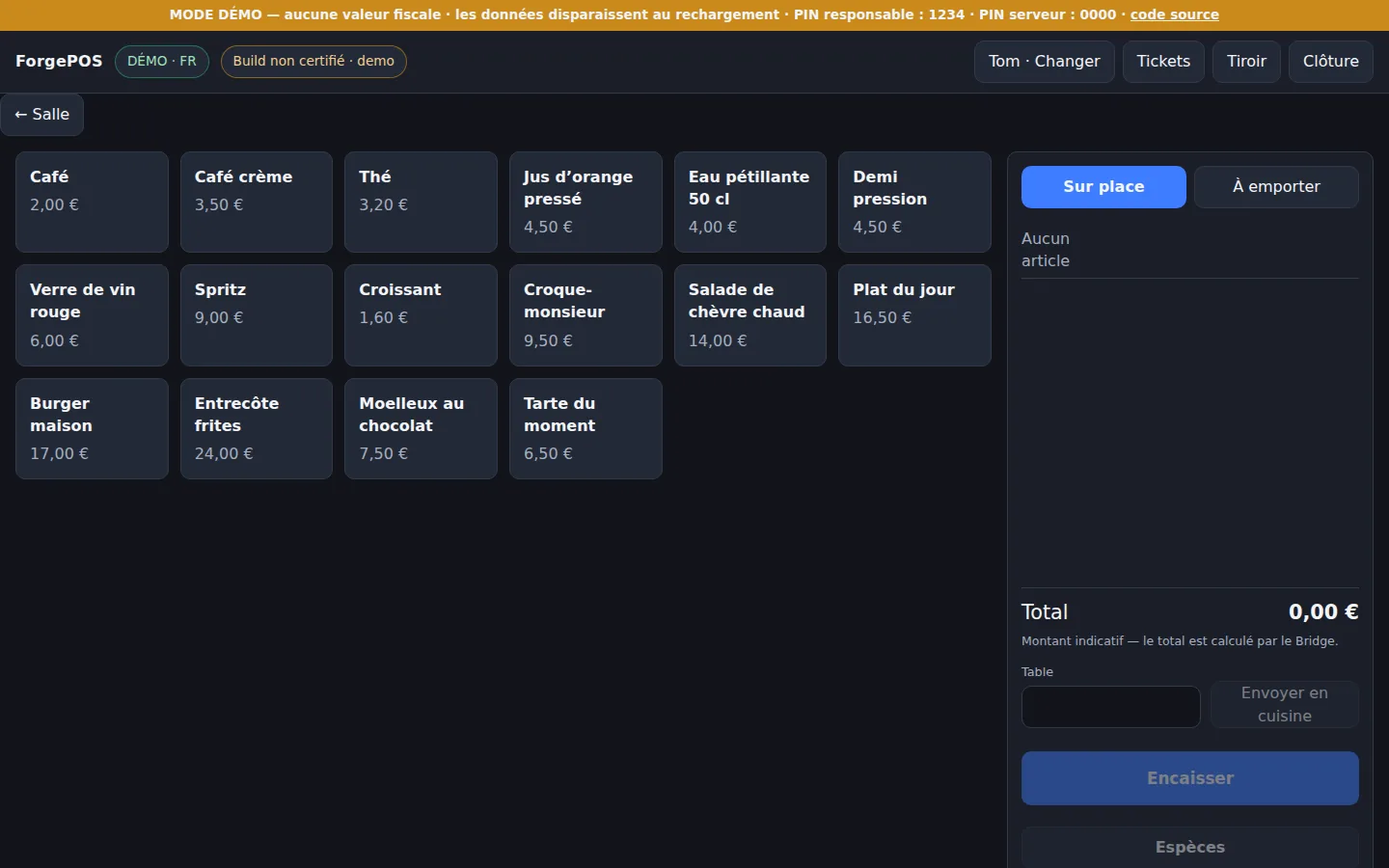
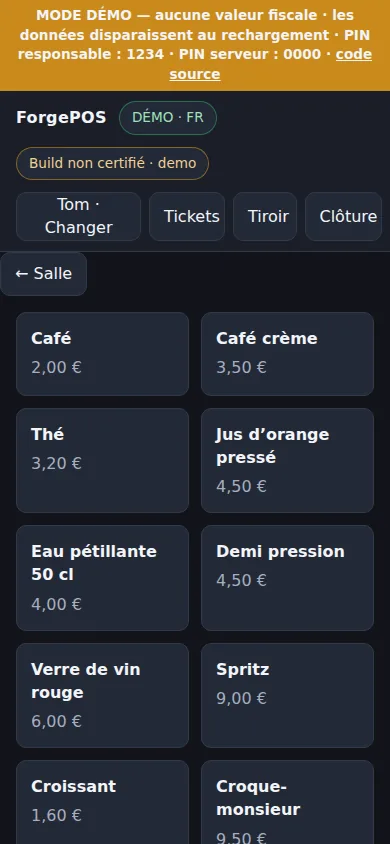
Real screenshots of the public pages of tovrr.github.io/forgepos, captured on 12 October 2026.
At a Glance
Tech Stack
The Challenge
A restaurant needs one screen for the floor plan, the table orders and the counter, usable by a manager and by waiting staff with different rights, and honest about what it is not: the demo states it has no fiscal value and that this build is not certified.
What Was Built
A web app with a French interface and a demo mode. The floor plan shows tables and terrace tables with their covers and status; a table or a counter sale opens a menu with prices and a ticket panel with dine-in and take-away modes, a table field, and the "Envoyer en cuisine", "Encaisser" and "Espèces" buttons; the top bar gives access to tickets, the cash drawer and the day close. Manager and server access are separated by PIN codes, and data lives in the browser only and disappears on reload.
Where It Stands
The public demo is online on GitHub Pages and says so itself: "mode démo — aucune valeur fiscale", "build non certifié". It is not a certified cash register.
Have a project like this in mind?
Let's discuss how we can engineer a solution for your specific business challenges.
Start Your Project